
Discover how much traffic ChatGPT, Claude, Perplexity and Gemini already send you. Plugs straight into GA4 — ready in a minute, no opt-in.
Most marketers have no idea they're already getting traffic from ChatGPT, Claude, Perplexity, and Gemini. This free Looker Studio template plugs directly into your GA4 and reveals exactly which AI platforms are sending you visitors — and whether they're converting.
See it in action

What's inside
The template surfaces three things GA4 buries:
- Which AI platforms are sending traffic. ChatGPT, Claude, Perplexity, Gemini, Copilot — broken out individually instead of collapsed under "Direct" or "Referral".
- Whether that traffic converts. The same conversion + revenue metrics you track for everything else, applied to AI-sourced sessions.
- How fast each platform is growing. Trend over time so you can see which engines are actually moving for your brand.
How to use it
- Click Open the template above.
- Make a copy in Looker Studio.
- Connect your GA4 property as the data source — the dashboard fills in automatically.
That's it. No opt-in, no email gate, no upsell.
Built by Niklas — Looker Studio dashboards since 2019
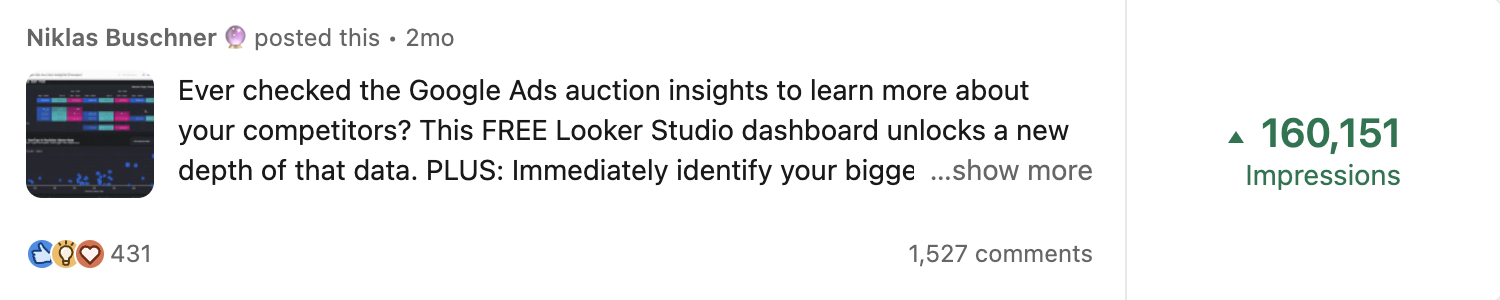
You don't have to spend hundreds of hours perfecting dashboard building. Take the shortcut. When the dashboards I build go up on LinkedIn, they regularly go viral:



FAQ
How does the template detect AI Search traffic?
It pulls source / medium and referrer data from GA4 and matches it against the known patterns AI engines use — ChatGPT (chatgpt.com, chat.openai.com), Claude (claude.ai), Perplexity (perplexity.ai), Gemini, and the rest. AI traffic that GA4 collapses into "Direct" or buckets under "Referral" gets surfaced as its own channel.
Do I need anything beyond GA4?
No. If you have GA4 running, you already have everything the template needs. Connect during the Looker Studio copy step.
Can I use it for multiple sites?
Yes. Connect any GA4 property — switch between them inside the dashboard.
Will it catch ChatGPT traffic that shows up as "Direct"?
Not all of it. Some AI engines — especially native mobile clients — strip referrers, so traffic genuinely arrives as Direct. The template captures everything that does send a referrer (which, in our client data, is the bulk of it). For full attribution including the referrer-less long tail, see How to get attribution right in AI Search.
Is it really free?
Yes. Everything we publish under tools is free and ungated. If you want a custom AI Search attribution setup built around your stack, book a call.